

 Authenticate
 Manage Users
 Customize
 Platform
Client secrets should not be stored in public client applications. To learn more, read Confidential and Public Applications.
Use the Dashboard
-
In the Auth0 Dashboard, go to Applications > Applications, and then select the name of the application to view.
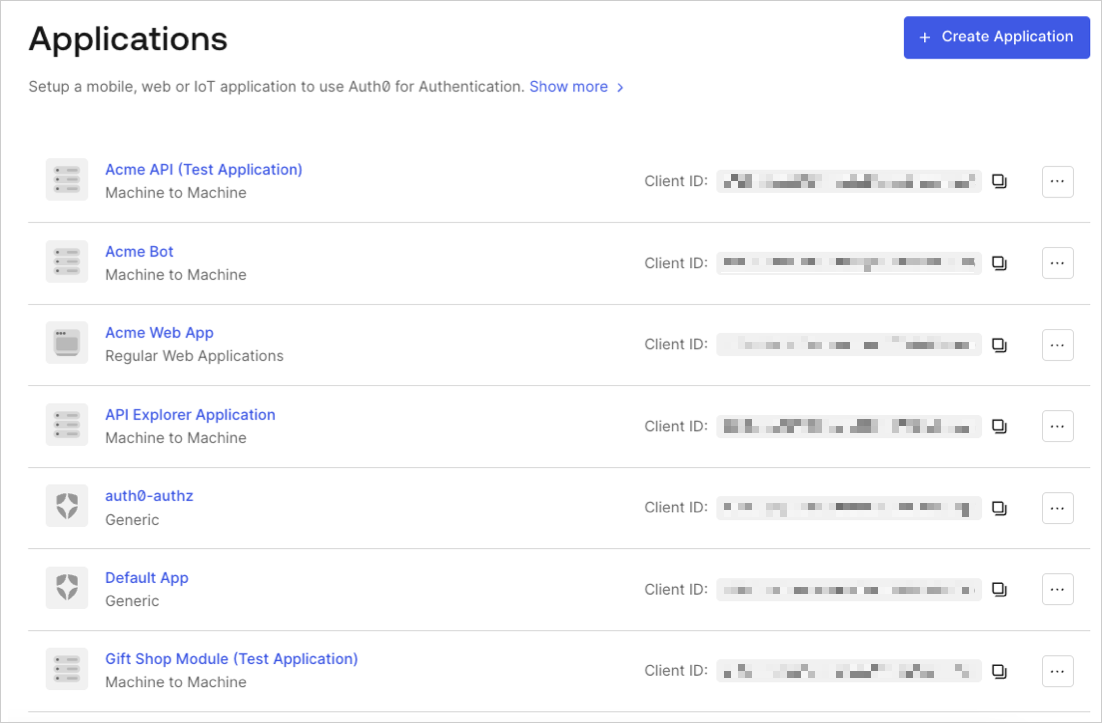
- Scroll to the bottom of the Settings page, locate the Danger Zone, select Rotate, and confirm.
- Scroll to the top of the page, and switch to the Credentials tab.
-
View your new secret by locating Client Secret, and selecting the eye icon.
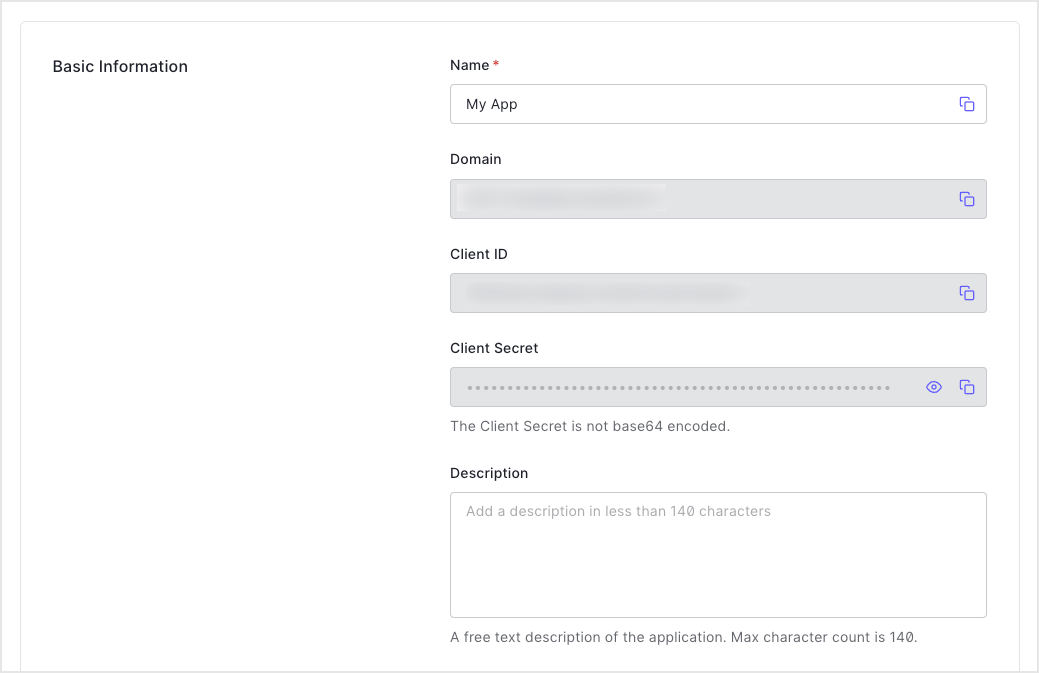
- Update authorized applications with the new value.
Use the Management API
- Call the Management API Rotate a client secret endpoint. Replace the
{yourClientId}and{yourMgmtApiAccessToken}placeholder values with your client ID and Management API access token, respectively.
Using the Auth0 CLI? Set up and authenticate it first if you’re not logged in.
- Update authorized applications with the new value.
Set a custom client secret
You can use the Management API Update a client endpoint to to set a client secret manually instead of requesting a rotation to an automatically generated secret. Your application is configured with the future secret as a fallback ahead of the actual rotation.- Auth0 CLI
- cURL